Distributor Rep Territory Coverage Board
Each outside rep's accounts by last visit, last order and buying trend, with accounts buying less added to this week's call plan.
These images are illustrations of the concept, not screenshots of the actual product.
Overview
In wholesale and distribution, an outside sales rep often carries more dealer and contractor accounts than they can visit, and an account rarely leaves all at once. It stops buying one product category, then another, while other orders keep arriving. This concept adds a Territories tab to HeadshotMarketing's CRM, beside Contacts, Leads, Deals and Pipeline. It is designed to give each rep and sales manager a territory, with its owner rep, as a list of accounts showing the last visit, the last order, a ninety-day buying trend and the product category behind the change.
Without that view, drift shows up late. A dealer who still orders every week may have quietly taken its pipe and fittings business to another supplier, and a contractor nobody has visited can go quiet before anyone notices. Managers tend to see totals rather than which category slipped at which account. The board is designed to flag accounts whose buying in a category has dropped, so the rep can add them to the week's call plan with points to raise in the conversation.
The illustration shows a sample territory with its owner rep, an account-type filter and four tiles: accounts, visited in thirty days, buying down over ninety days, which is highlighted, and on this week's call plan. The table's columns are account, type, last visit, last order, 90-day buying, category change, program and next step. Sample rows cover gold, silver and bronze dealers and contractor accounts for a plumbing, heating and electrical supply distributor, with trends as percentages, the category that fell or rose, and next steps such as a visit or call on a set day, or on plan. A panel for the selected dealer lists short notes to raise: recent orders that skipped a category, how much more the dealer needs to buy to keep its tier by year end, and how many of its staff are certified on one product line. It offers Add to call plan, Log visit and New order in Kadaikodi.
The design draws on three other Burdenoff products. As the note under the table indicates, buying trends are designed to be computed nightly by a FluidGrids workflow from Kadaikodi order lines. The Program column is designed to carry dealer program risk from Subscriber Bot, such as a tier at risk, on the same row as the buying trend, and New order in Kadaikodi is designed to let the rep start an order during the visit. HeadshotMarketing keeps the account records, owner assignment, visit logs and call plans, building on the CRM's activity timeline and lead routing. All account names, figures and dates are sample data.
What this concept shows
- A Territories tab in the CRM showing the owner rep, with an account-type filter
- Tiles for accounts, visits in the last thirty days, accounts buying down over ninety days and accounts on this week's call plan
- One row per account with its type and, for dealers, tier, plus last visit, last order and a ninety-day buying trend
- A category change column naming the product category that fell or rose
- Program badges such as Tier at risk from Subscriber Bot, Training due and On track
- A next step for every account, from a visit or call on a set day to on plan
- An account panel with notes to raise and Add to call plan, Log visit and New order in Kadaikodi actions
- A note that buying trends come from Kadaikodi orders via FluidGrids, refreshed nightly
How it works
- Open CRM, switch to the Territories tab and open a rep's territory, filtering by account type if needed.
- Read the tiles to see how much of the territory was visited recently and how many accounts are buying less.
- Scan the table for falling ninety-day trends and the category that dropped at each account.
- Check the Program column for dealer tier risk from Subscriber Bot or training that is due.
- Select an account to read its notes and add it to this week's call plan.
- Log the visit and, where the account is ready to buy, start a new order in Kadaikodi.
Who it's for
- Outside sales reps
- Regional and territory sales managers
- Distributor sales operations teams
- Dealer program managers
Illustrations
1 illustration of this concept. Select one to view it full size.
Territory Coverage Board with Buying Trends and Call Plan
This illustration shows the Territories tab of the CRM, with CRM highlighted in the left navigation and Contacts, Leads, Deals and Pipeline tabs alongside. The header names a sample territory and its owner rep, with an All account types filter. Four tiles count accounts, accounts visited in thirty days, accounts buying down over ninety days, which is highlighted, and accounts on this week's call plan. The table lists six sample accounts with their type and, for dealers, tier, then last visit, last order, a ninety-day buying badge, the category that changed, a program badge where one applies and a next step. The top row, a gold dealer whose pipe and fittings buying fell, carries a Tier at risk badge marked Subscriber Bot and is selected. A panel at the top right lists three notes for that dealer above Add to call plan, Log visit and New order in Kadaikodi buttons. A line under the table says buying trends come from Kadaikodi orders via FluidGrids, refreshed nightly.
Topics
- sales territory management
- outside sales rep call planning
- distributor account coverage
- wholesale distribution CRM
- account buying trend by product category
- early warning for declining account orders
- dealer program tier tracking
- sales rep visit tracking
- weekly call plan for sales reps
- plumbing and HVAC supply sales CRM
Related concepts
Contacts and Sales Pipeline
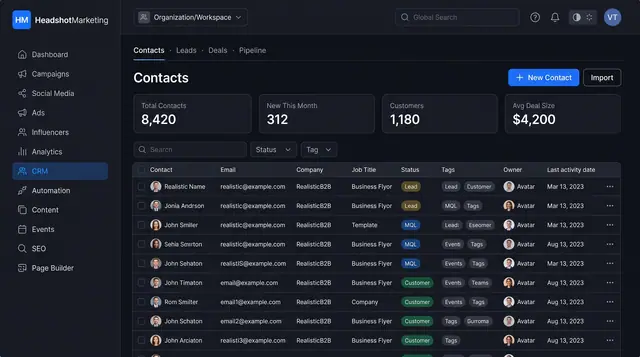
Keep every contact in one searchable table and follow deals across a visual pipeline from first lead to closed won.
2 illustrations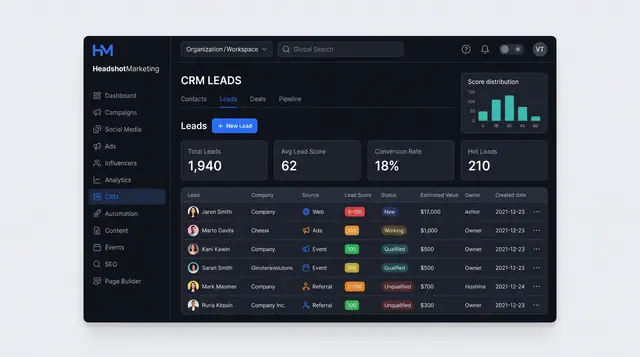
Lead Capture and Explainable Scoring
See where every lead came from, how it scores and which signals moved the score, then route or assign it.
2 illustrations
Part of an industry solution
This concept appears in a cross-product solution on burdenoff.com — see how it works alongside other Burdenoff products to solve a problem in that industry.