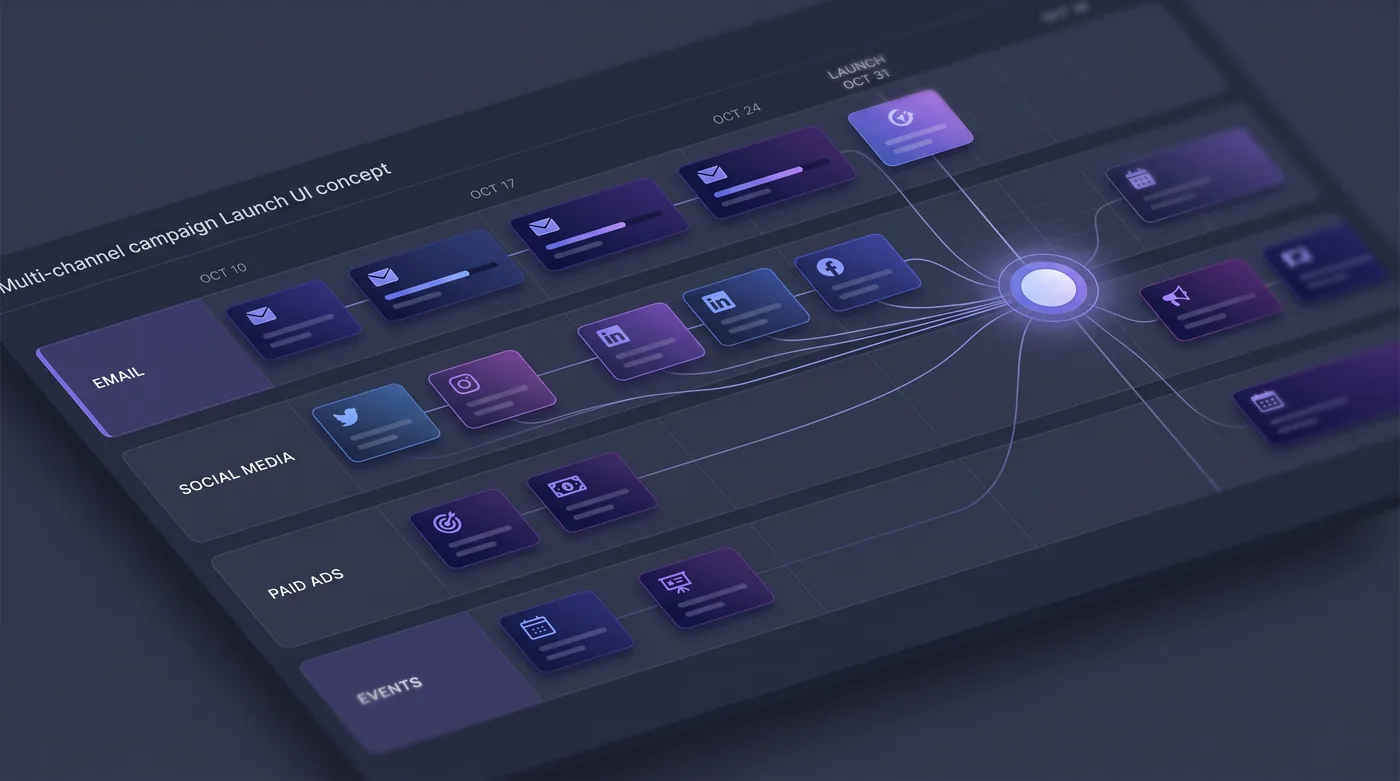
A marketing manager who has finally nailed a launch — the right channel mix, cadence, physical placements and approval chain — faces a quietly frustrating problem: the next campaign starts from an empty form, and the hard-won structure has to be reassembled from memory.
In HeadshotMarketing a working campaign becomes a saved playbook. The template keeps the channels, the configuration, the calendar shape, the approval chains and the tags, and it is shared across the workspace rather than copied around in a doc.
When it is time to launch again, the manager starts from the template or duplicates a proven campaign, and the AI tailors the plan to the new goal, budget and locations. Stale templates can be switched off so pickers stay clean, and a good launch becomes a team standard instead of tribal knowledge.
This is an illustrative scenario, not a customer story.
Do it yourself
Save a proven campaign as a reusable template, curate your set of playbooks, then start the next launch from a template — or duplicate an existing campaign — so a good launch becomes a repeatable standard.
Open Campaigns and go to Templates to browse the reusable playbooks saved in your workspace.
You should see: Your templates appear as first-class records, separate from live campaigns, ready to curate and reuse.
Ready to make this your story?