An event marketer planning a conference juggles a standalone events tool that does not know who is already a contact, a separate email tool to invite them, and a spreadsheet to work out afterwards whether any of it drove revenue.
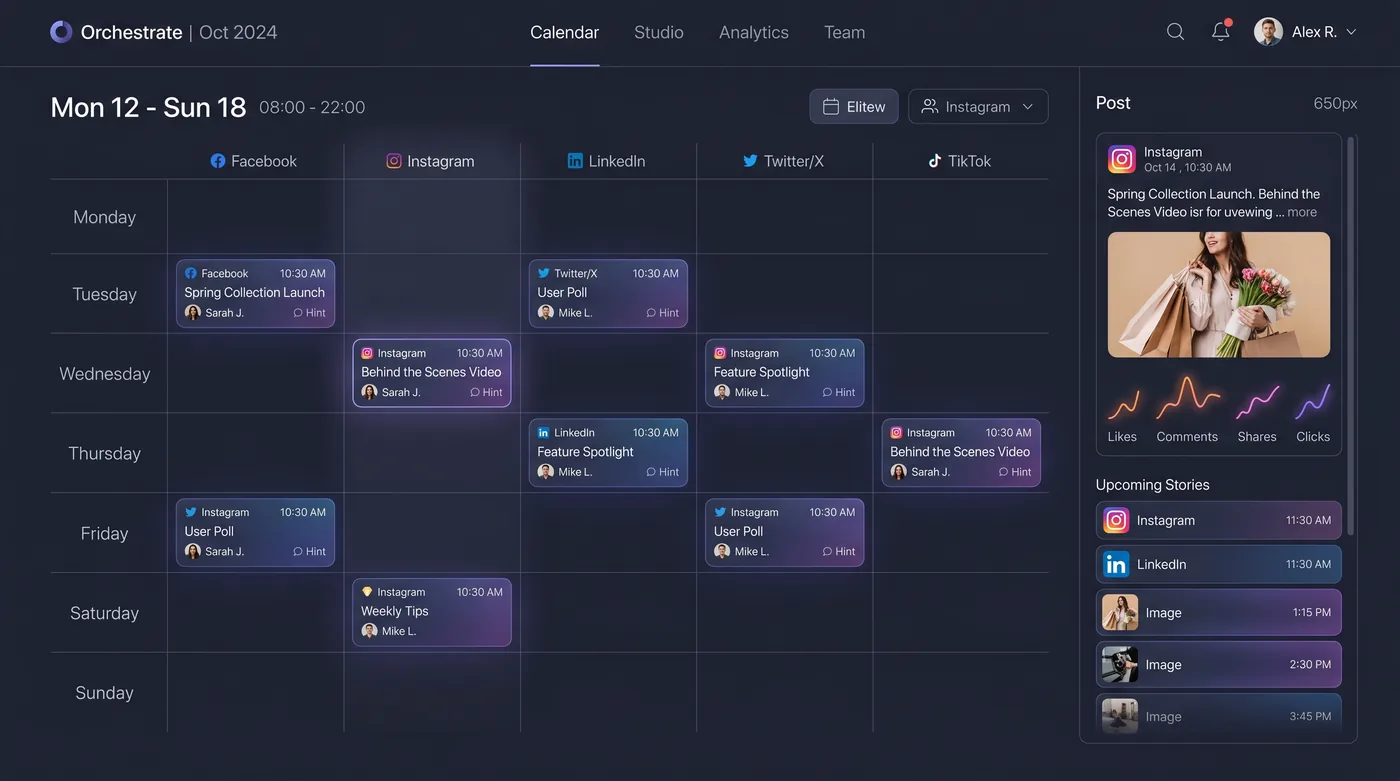
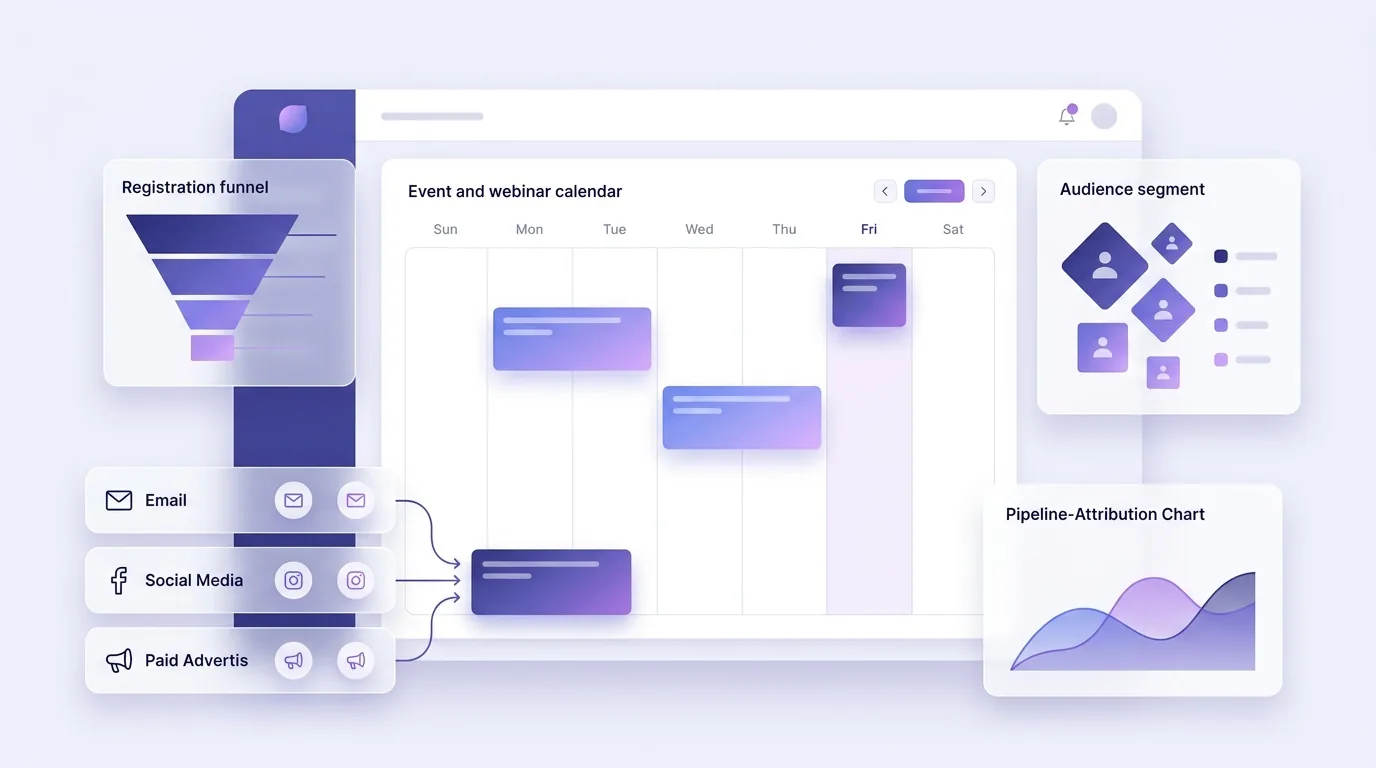
HeadshotMarketing treats events as a channel like any other. The marketer creates the event campaign, invites a filtered list straight from the CRM and schedules its promotion on the content calendar across email, social, paid and print. Registration, ticketing and check-in run in EventfullyManaged and flow back onto each contact; booth and session capture happen on the mobile app.
When the event is over, attendees move into a post-event nurture journey, and the event's contribution shows up in the same funnels and revenue reports as every other channel.
This is an illustrative scenario, not a customer story.
Do it yourself
Run events as a first-class channel — create the event, invite a tagged contact list, promote it inside a coordinated campaign, schedule the promo on the calendar, track the registration count, and see its per-campaign contribution.
Open Events and create a new event such as a webinar, setting its date and details.
You should see: A new event is set up, ready to promote and track.
Ready to make this your story?